
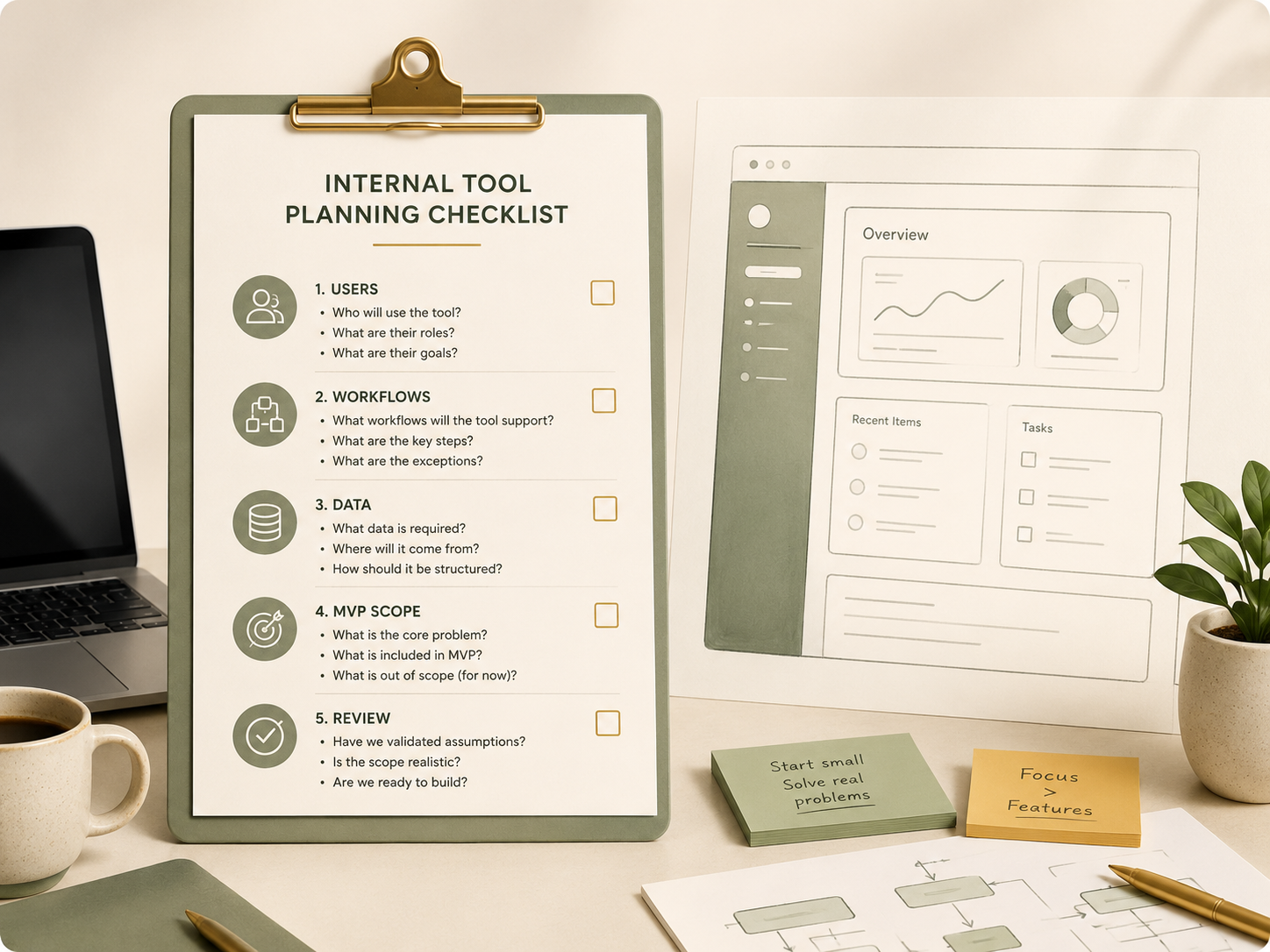
Many businesses reach a point where Excel sheets, WhatsApp messages and manual follow-ups are no longer enough. The natural next thought is:
“Maybe we should build an app.”
But before investing time and money into an internal tool, it is important to plan carefully. A custom app should not begin with screens and features. It should begin with workflow clarity.
Here is a practical checklist to help your team think through the foundations.
1. Define the real problem
Start by asking what problem the tool is supposed to solve.
- Is the issue slow follow-up?
- Duplicate data entry?
- Poor visibility?
- Too many manual approvals?
- Information scattered across different platforms?
A clear problem statement helps prevent the tool from becoming overloaded with unnecessary features.
2. Identify the users
Who will actually use the tool?
Different users may need different access, views and responsibilities. For example, an admin team may need to enter information, a manager may need to approve, and the owner may only need a dashboard.
When user roles are unclear, the tool becomes confusing.
3. Map the current workflow
Before building a new system, document the current process.
- What happens first?
- What happens next?
- Where does the information come from?
- Who checks it?
- Where does the final output go?
This step helps reveal bottlenecks, repeated work and unnecessary approvals.
4. Define the data needed
Every internal tool depends on data.
List the key information that must be captured. For example: customer name, order number, status, amount, person in charge, due date, remarks and attachments.
Also decide which fields are compulsory and which are optional.
Good data structure makes the tool easier to automate, search and analyse later.
5. Decide the minimum viable version
An internal tool does not need to be perfect from day one.
Start with the smallest version that solves the most painful problem. This could be a simple tracking dashboard, approval form, task status board or document request system.
Avoid building too many features too early.
6. Plan review and improvement
The first version should be tested with real users. Their feedback will show what is missing, what is confusing and what can be improved.
A good internal tool grows from actual usage, not assumptions.
At Acorn Ignite, we help businesses translate operational problems into clearer workflows, practical digital tools and AI-ready systems.
Key Takeaway
Before building an app, define the workflow, users, data and minimum scope. A well-planned simple tool is better than a complex tool nobody uses.
Planning an internal tool for your team? Acorn Ignite helps you structure the workflow before building the system.